
Continuous control status
Automated collection of control evidence across identity, endpoints, patching, and backup — so maturity is a live number rather than an annual guess.
Designed for real-world Essential Eight programs: continuous control status, evidence you can hand to an auditor, and a roadmap your team can actually work through.
Automated collection of control evidence across identity, endpoints, patching, and backup — so maturity is a live number rather than an annual guess.
Track each of the eight controls against ACSC maturity levels 1 to 3, with a clear view of what moving up a level actually requires.
Exportable reports for auditors, cyber insurers, and customer due diligence questionnaires — produced from real configuration, not a survey.
Findings are ordered by exploitability and effort, so the next three things to fix are always obvious.
Summaries a non-technical director can read in two minutes and act on, alongside the technical detail your engineers need.
Controls decay. The platform flags regressions when a policy is loosened or a baseline slips out of alignment.
Most SMB Essential Eight programs stall for the same reason: the assessment is a point-in-time spreadsheet, and by the time remediation finishes the spreadsheet is stale. Nobody trusts the number, so nobody acts on it.
Continuous collection changes that. Control status is measured from the actual environment on an ongoing basis, so the maturity figure stays honest and regressions surface within days rather than at the next audit.
The platform is optional. Plenty of clients get value from a one-off assessment and a roadmap — automation is for organisations that need to hold a level, not just reach it once.
Defined by the Australian Signals Directorate's ACSC. See the official Essential Eight guidance for the authoritative maturity model.

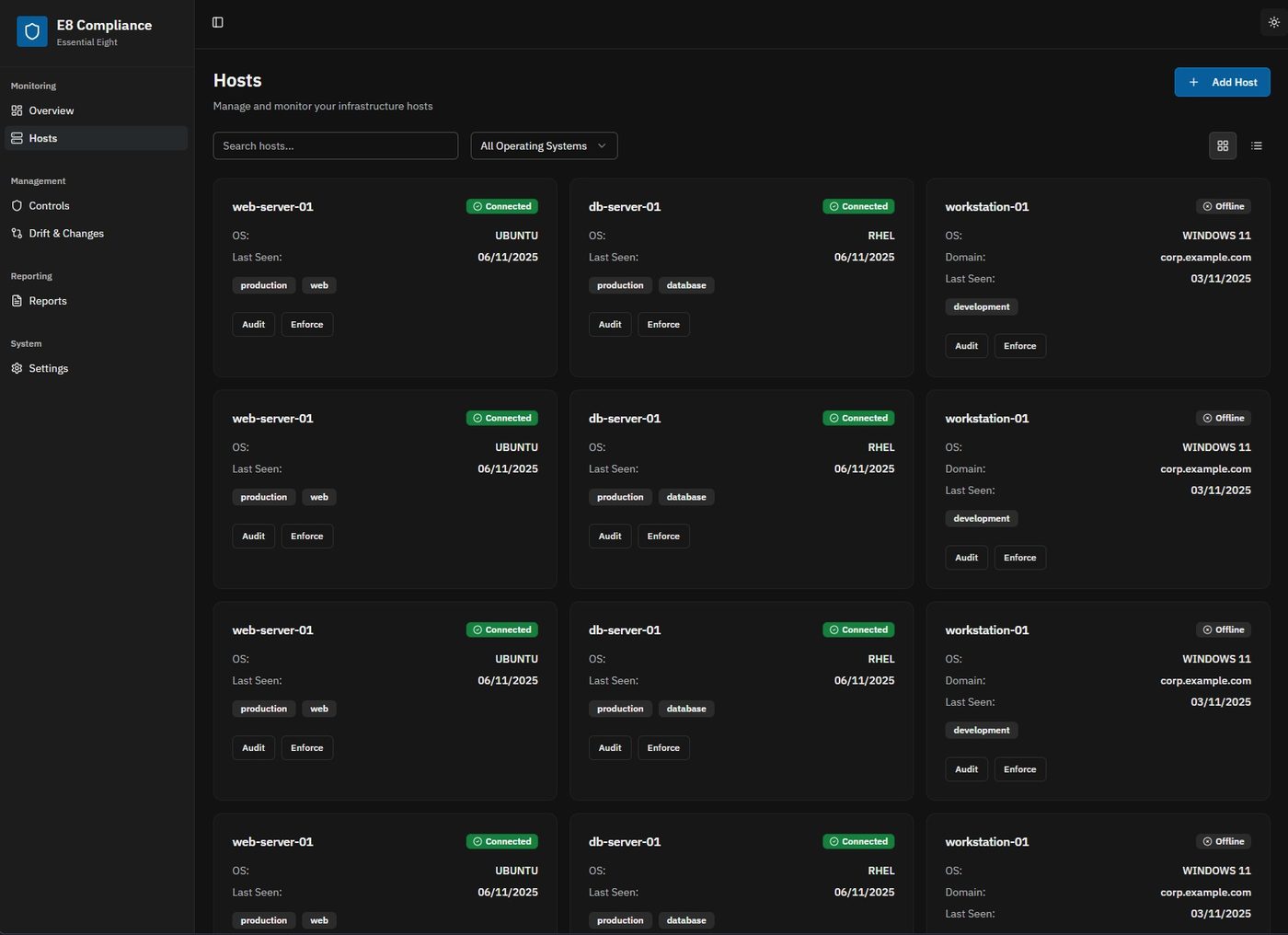

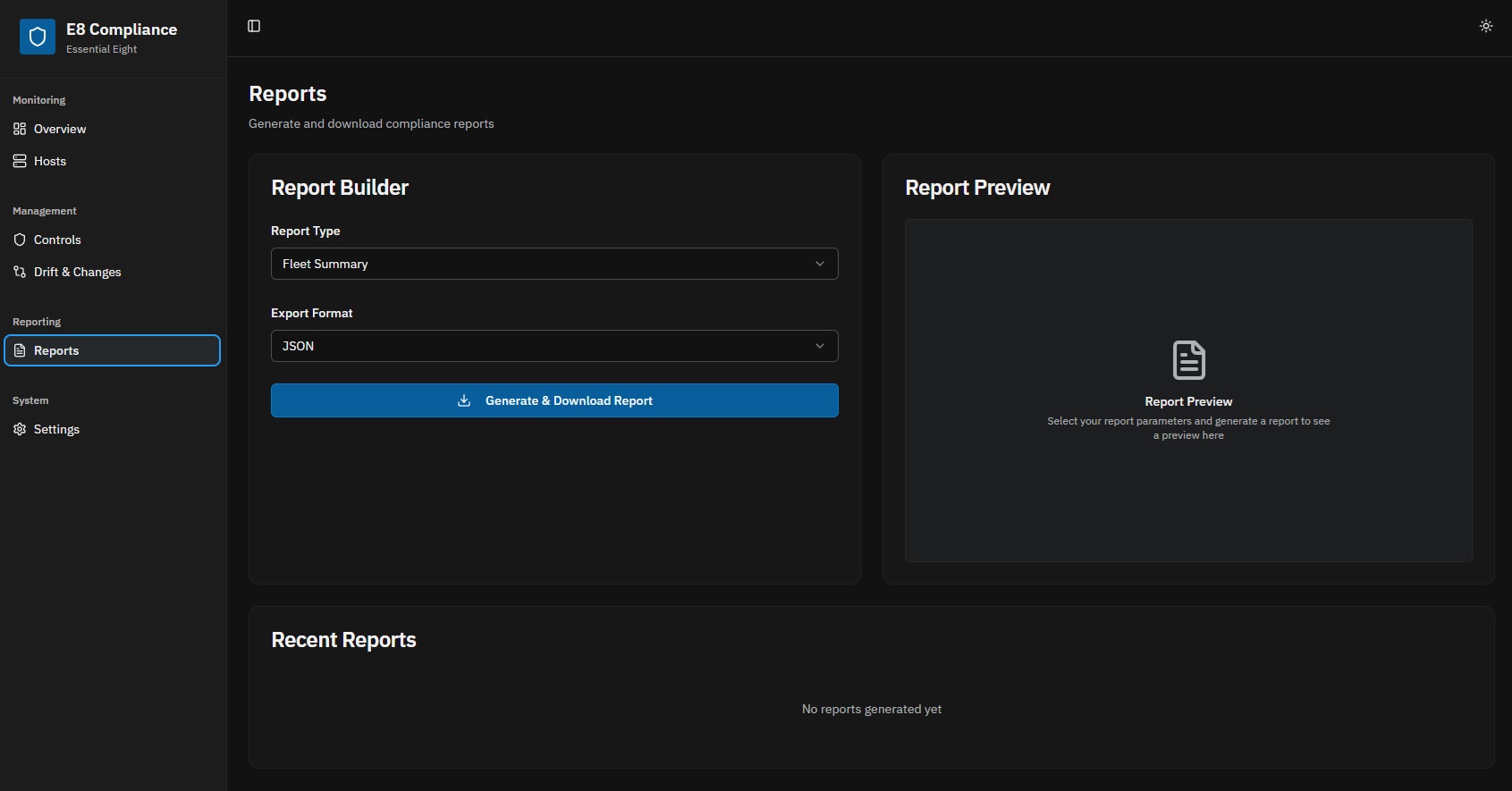
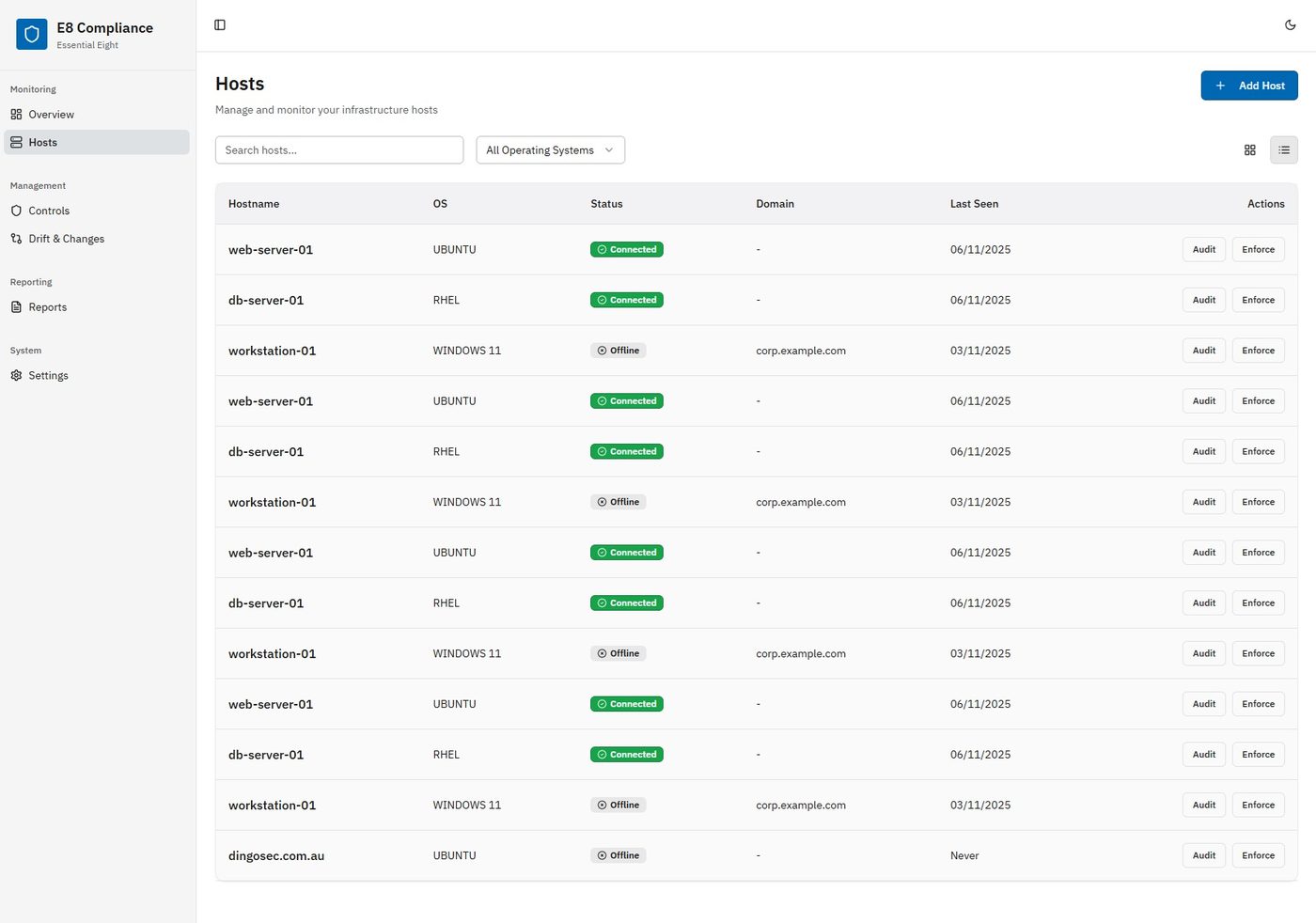
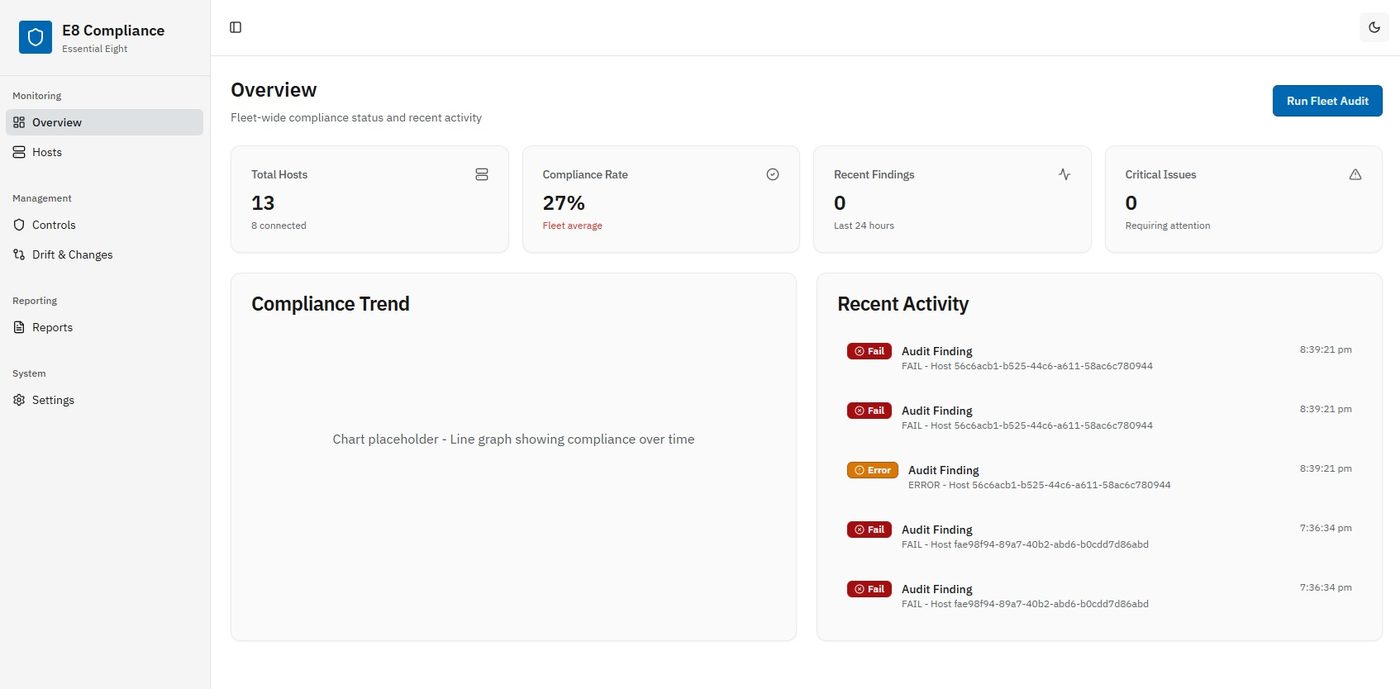
Generated output, exactly as delivered.
Looking for the wider DingoSec platform tooling? See what's coming →
A 30-minute scoping call is usually enough to tell you where the real risk sits and what a sensible first engagement looks like. No obligation, no sales theatre.